

Settings and connections
Open Settings in the dashboard. Only Owners and Admins can see it.
Connections
Section titled “Connections”Connections shows the Slack workspace Recordkite reads from and the Attio workspace it writes to, with who connected them and when.
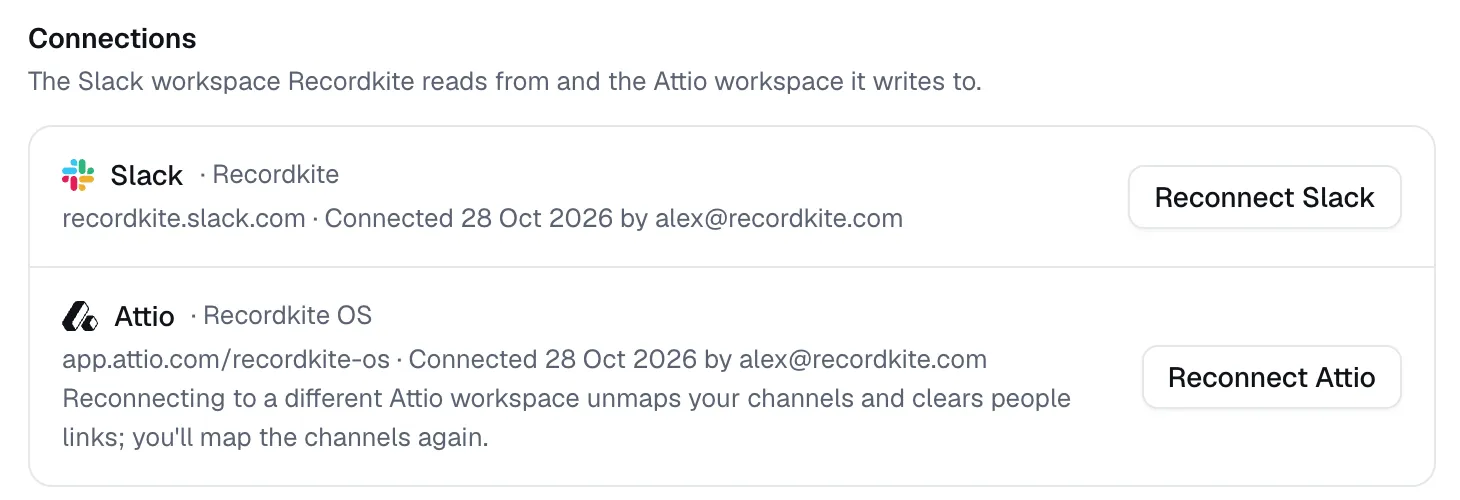
- Reconnect Slack refreshes Recordkite’s access to Slack, for example after a Slack admin changes app settings.
- Reconnect Attio refreshes Recordkite’s access to Attio. Use it after upgrading to Attio Pro or Enterprise to add the Activity timeline.
Recordkite connects one Attio workspace per organisation.
Organisation
Section titled “Organisation”Change your organisation’s name. It’s shown to your team and in invitation emails.
Delete your organisation
Section titled “Delete your organisation”Owners can delete the organisation. You’ll be asked to type its name to confirm. Deleting it:
- stops syncing, and deletes any messages waiting to sync
- deletes your connections, channel mappings, people links, invitations, activity log and your team’s access, along with the key that encrypted them
- leaves the activities and notes already in Attio, since they’re in your CRM
This can’t be undone. Afterwards, remove Recordkite in Slack (Apps → Recordkite → Remove app) and in Attio (Workspace settings → Apps).
Activity log
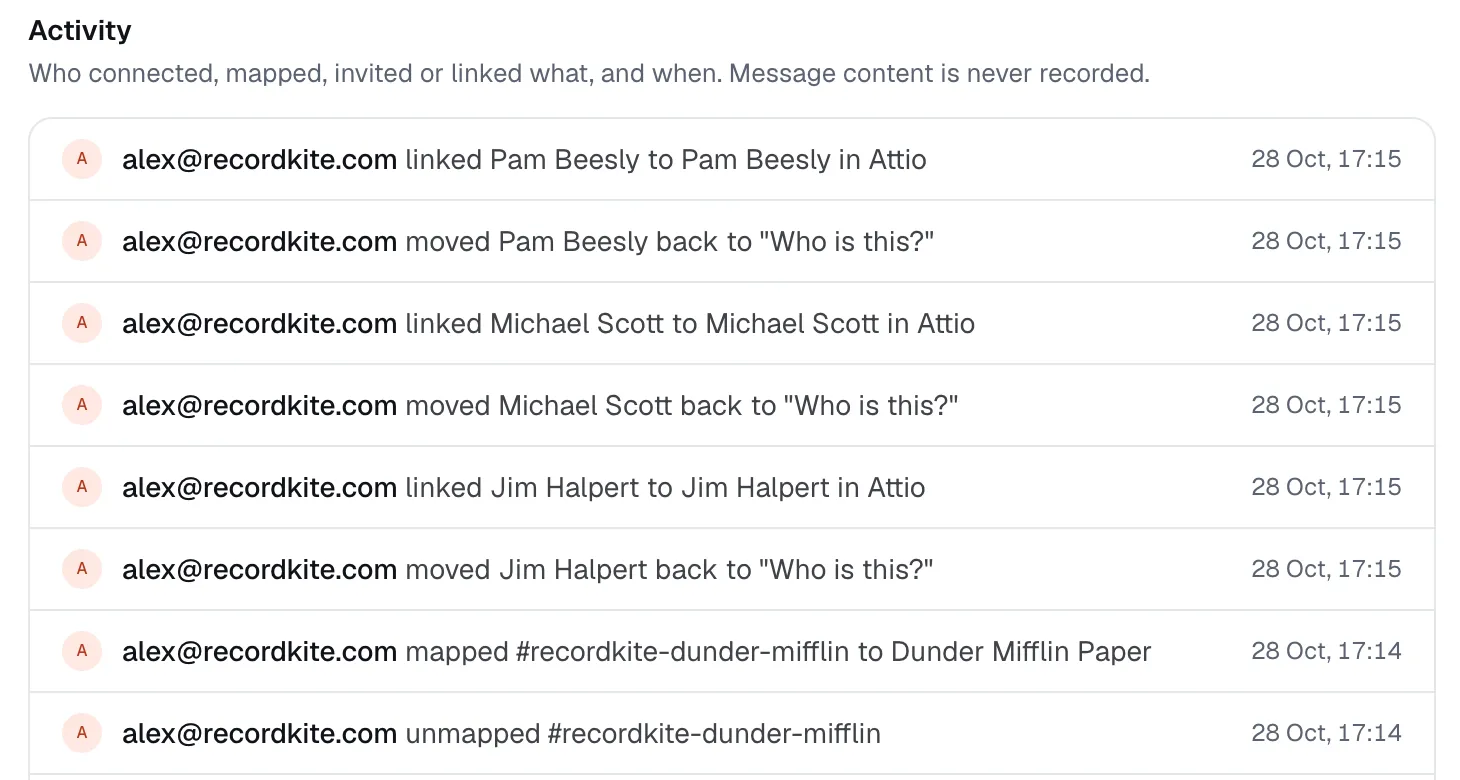
Section titled “Activity log”Activity lists who connected, mapped, invited or linked what, and when, newest first. Message content is never recorded.
© 2026 Cranford Tech Limited. Recordkite is a trading name of Cranford Tech Limited, a company registered in England and Wales (company number 15069364). Not affiliated with Slack or Attio.
recordkite.com · Privacy · Terms · hello@recordkite.com